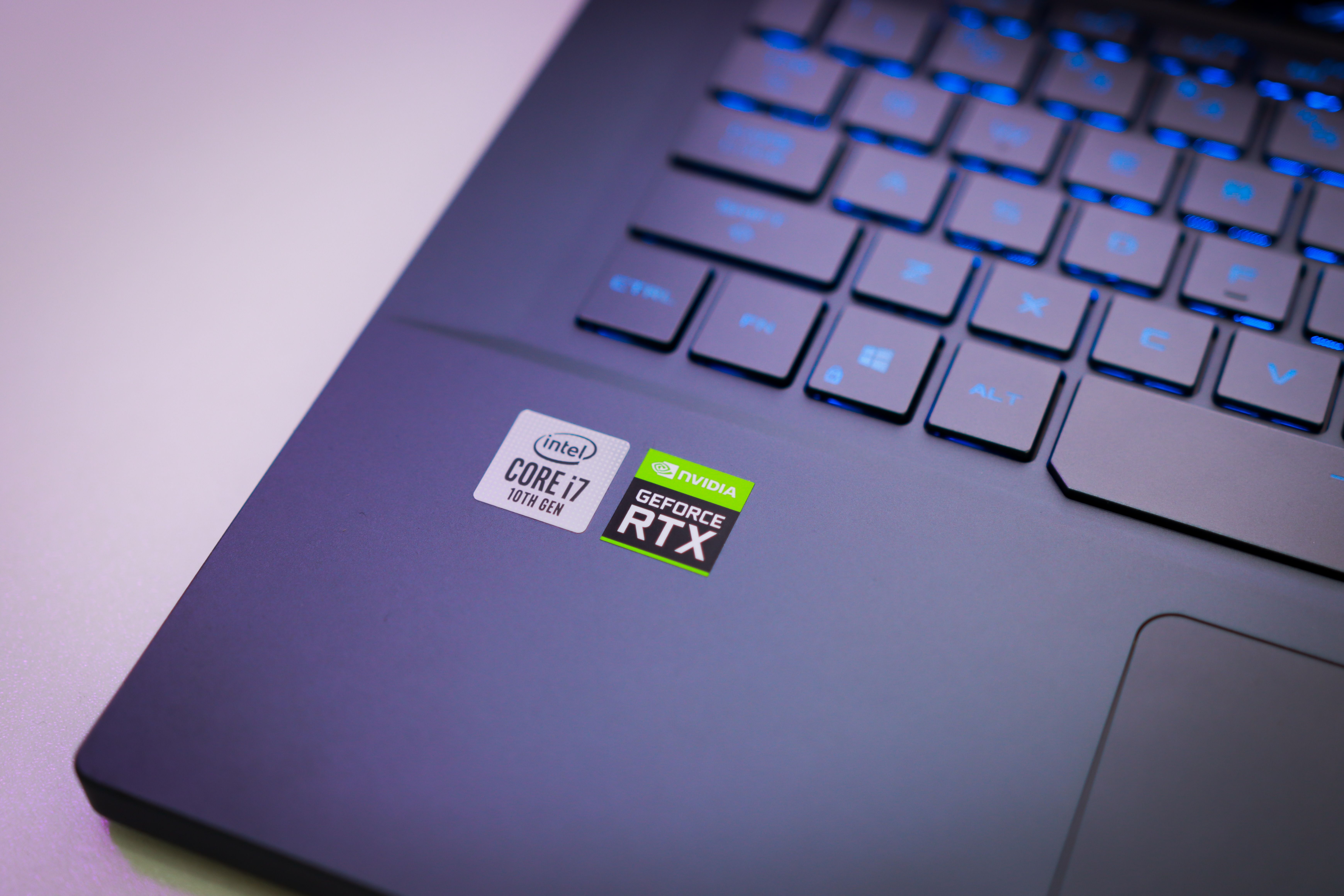
I found a laptop in the recycling room of my condo. Its missing its bottom panel and an HDD, no worries, I added my HDD and taped it in.
It has a core i7 4720HQ and 8GB RAM. Pretty solid. i have a gaming PC with an i7 4770 and a GTX 970.
I am hoping this laptop has a 960 or 970 in it, perhaps I can game on it (new dad, i rarely have time to game and dont play new titles) and sell my desktop PC.
After a fresh install of Windows 10, however, its showing its on integrated graphics! How do I find out and enable the GPU? Is it possible Alienware had a line of laptops with no GPU? Is it dead and theres no way to activate it?
Upon booting, theres an error message saying to replace the battery, is it a survival method of the PC, to save power because the PC would need to sip power from the battery when running the dedicated GPU?
I can wrap my head around hardware, but have a lot of trouble with software. Thanks in advance!
Edit: Right now theres like… A 4th wave of windows update running on it. If it doesnt show up after that, im going to install Geforce experience on it to see if it picks anything up. Then im gonna go into the BIOS.
Edit2: Windows update FULLY completed, and says it has a GTX 970M and “this device is working properly” however minecraft at max settings runs at 20-40FPS
So maybe I need to disable the integrated graphics? But would that fuck up my install of windows if the 970M doesnt work?
Edit3: Still hoping for confirmation on whether or not disabling integrated graphics would mess anything up, but it does look like the GPU works. I was able to set Minecraft to specifically work on the GTX 970M, and the framerate increased and stabilized closer to 60FPS.
I just dont care for having the integrated graphics kick in at all, and I dont want to have to worry whether it will kick in for any game!
