Hello there, r/techsupport! I’ve recently switched internet provider and gotten myself a 400 mbps plan. The installation went along fine, and I’m really happy considering I’ve upgraded my speed and am paying less monthly than i was with my last provider.
The issue came when I tested my speed a few hours after the installation, and realized my computer was only receiving 100 Mbps. I found it very weird, given me and the technician had tested the internet speed on multiple websites, all of which reported 400 Mbps.
Since I don’t usually post for help, I’ve done some considerable testing and experimenting before coming here; I’ll summarize my findings below:
- My phone is indeed receiving the full 400 Mbps. The speed tests were conducted through the WiFi of the same router connected to my computer. I can assume I am indeed receiving the speed I purchased.
- The router installed by my ISP is a Huawei HG8245Q2. I’ve checked online, and by my understanding and my experience so far, it is fully capable of handling the 400 Mbps.
- I’ve checked my motherboard’s network card, and it is listed as a Realtek PCIe GbE Family Controller. Its speed is specified as 10/100/1000*1, and through its advanced properties tab, under the Speed & Duplex property, 1.0 Gbps Full Duplex is listed as an option, so I’m assuming its capable of gigabit connections.
- For some reason, if I change the LAN port my computer’s Ethernet cable is connected to on the router, my internet speed increases to the intended 400 Mbps for some 10-15 minutes, before going back to 100 Mbps. This is why I’m assuming this is probably an odd configuration problem, and not a hardware problem.
- On the network and sharing center, my connection’s speed is listed as 100.0 Mbps. As aforementioned, if i switch LAN ports on the router, the connection speed increases to 1.0 Gbps for 10-15 minutes, before the connection is reset on my computer, and it goes back to 100.0 Mbps.
In addition to the experimenting, here’s what I’ve tried:
- I’ve updated the network card’s driver to the latest version. (10.39.212.2020) No change in behavior.
- On the network’s card advanced options tab (Connection status > Properties > Configure), under the Speed & Duplex property, I’ve tried switching from Auto Negotiation to 1.0 Gbps Full Duplex. No change in behavior.
- I’ve tried connecting an AirPort Extreme to the Huawei router through a cable, and then connecting my computer to one of the AirPort LAN Ports. No change in behavior.
Here are my computer specifications. Does anyone know what could be causing this?
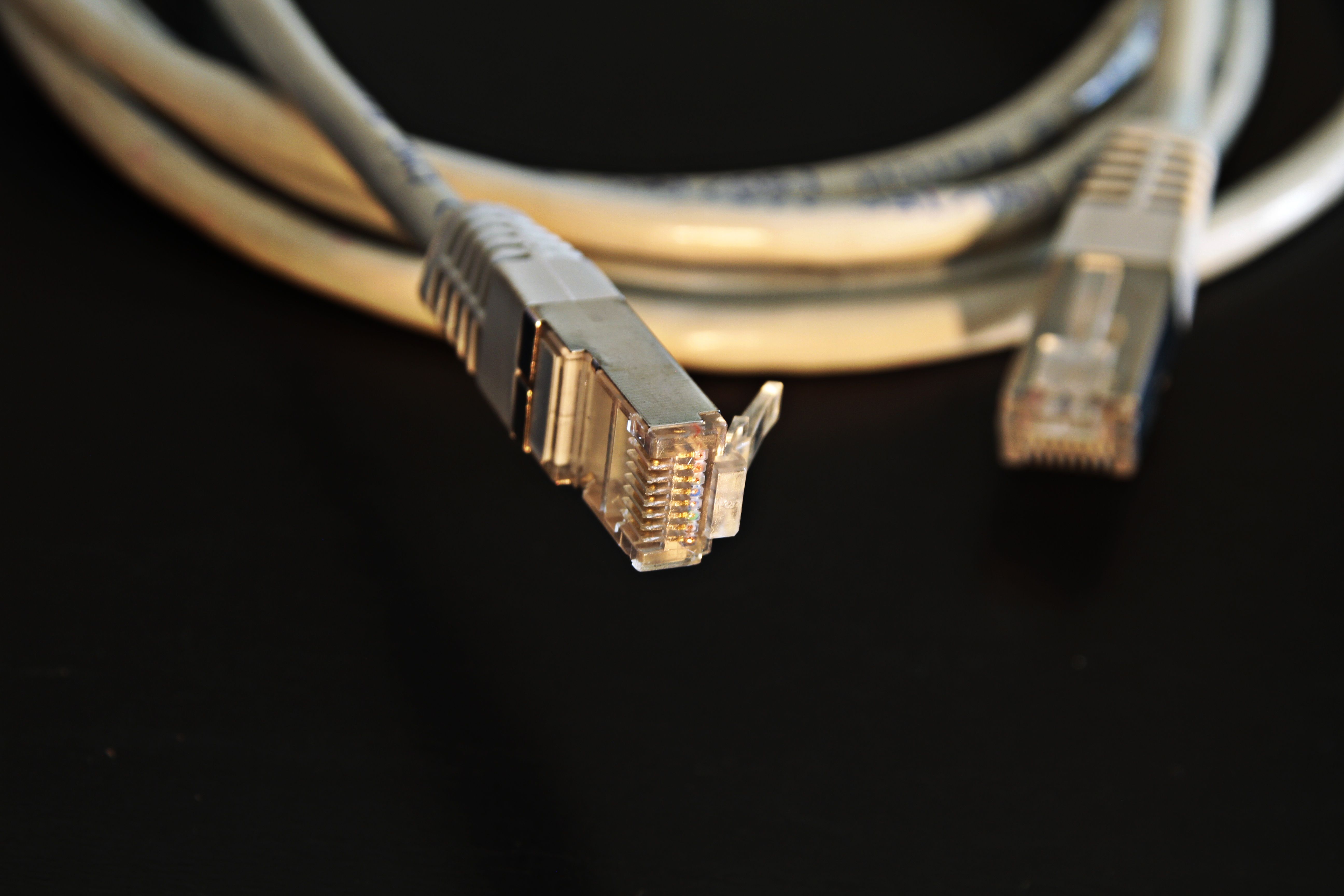
EDIT: Thanks for all the input everyone! It ended up being the cable which wasn’t able to maintain the gigabit connection. I’ve switched to a CAT6 cable and it’s working fine now. Thanks again!
